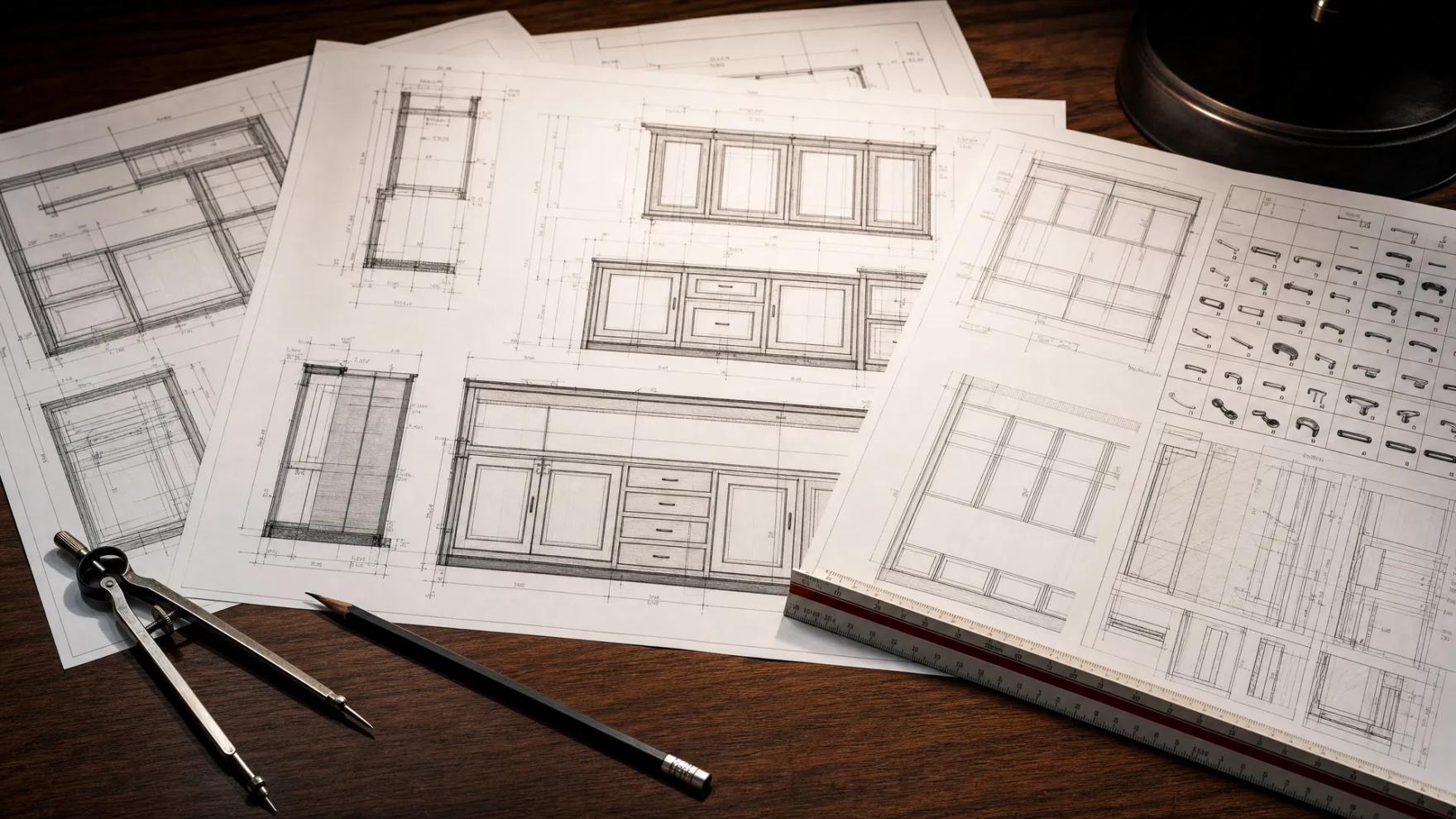
A shop drawing is the bridge between an architect’s intent and a part on your CNC. Get it right and the job runs clean; get it wrong and you pay in revisions, idle machine time, and rejected submittals. Here is what a production-ready package actually contains in 2026.
- What
- Fabrication-level drawings that translate design intent into buildable, machinable parts
- Standard
- AWI Quality Standards, Division 06 & 12 — Economy, Custom, or Premium grade
- Delivered as
- PDF submittal set + native files + CNC output (G-code, nesting, cut lists, labels)
- Typical turnaround
- 24–48 hr estimate, 3–5 business days for a scoped set
What a shop drawing set is
Architectural drawings describe what a space should look like. Shop drawings describe how to build it. A commercial millwork shop drawing set takes the architect’s elevations and specifications and resolves them into fabrication-level detail: every cabinet, panel, counter, and reveal dimensioned, every joint and piece of hardware specified, and every part defined precisely enough to cut on a machine.
For commercial work this set has to do double duty. It is both a submittal — the document a general contractor and architect review and approve before fabrication — and a production document that drives your shop floor. Those two audiences want different things, and a good set serves both.
What a production-ready package contains
A complete commercial package is more than a stack of elevations. At minimum it includes:
- Plans, elevations, and sections coordinated to the architectural backgrounds.
- Joinery and connection details — how each assembly actually goes together.
- Hardware schedules with part numbers, quantified by unit.
- Finish and material callouts by sheet, including grade and veneer or laminate specs.
- CNC output — native files, G-code posted for your controller, nesting reports with yield, cut lists, and bar-coded labels.
If any of those live in someone’s head instead of on the sheet, the package is not production-ready — it is a draft.
How submittal review works
The package goes to the GC and architect, who review it against the contract documents and return it approved, approved-as-noted, or rejected. Approved-as-noted is the goal on complex work: minor redlines you incorporate without a full re-submittal. A rejection restarts the clock, and on commercial timelines that can mean two weeks.
The single biggest lever on your turnaround is getting to approval in as few cycles as possible. That is a drafting-quality problem, not a speed problem.
Microvellum, Cabinet Vision, or AutoCAD
The right platform depends on your floor. Microvellum and Cabinet Vision are parametric and drive CNC output directly, which is ideal for production casework. AutoCAD and BricsCAD remain the right tools for 2D detailing and submittals that are approved on drawing detail rather than a model. Many commercial packages use a combination.
Why packages get kicked back
Most rejections trace to a short list of avoidable mistakes — missing hardware schedules, uncoordinated dimensions, incomplete joinery detail, and finish specs that don’t match the architect’s. We break these down in the five submittal mistakes that get packages kicked back.
Choosing a drafting partner
Whether you draft in-house or outsource, the standard is the same: a set your fabricator can build from without calling back. If you outsource, the partner has to learn your library and construction methods — otherwise you inherit files that look right until they hit the floor. That is the whole reason we audit a shop’s setup before we draw.
A production-ready package is one your floor can run and your reviewer can approve — on the first pass.